Faster Play Design, Cleaner Scout Cards, Smarter Printing
February’s release is all about helping coaches design plays faster, present them more clearly, and print them more efficiently. From powerful new route editing tools to improved mobile zoom and expanded wristband printing, every enhancement is built around one goal:
Save time. Improve clarity. Coach with confidence.
Below is everything new in this release.
✏️ Advanced Route Editing Tools
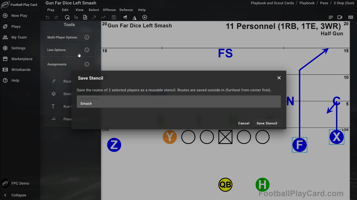
We’ve significantly upgraded how routes are created and edited inside Football Play Card. These new tools eliminate repetitive redrawing and make building mirrored concepts faster than ever.
New capabilities include:
- Copy & Paste Routes – Instantly duplicate a route from one player to another.
- Flip Route – Mirror any selected route horizontally with one click.
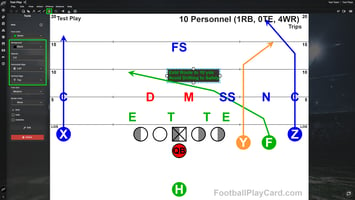
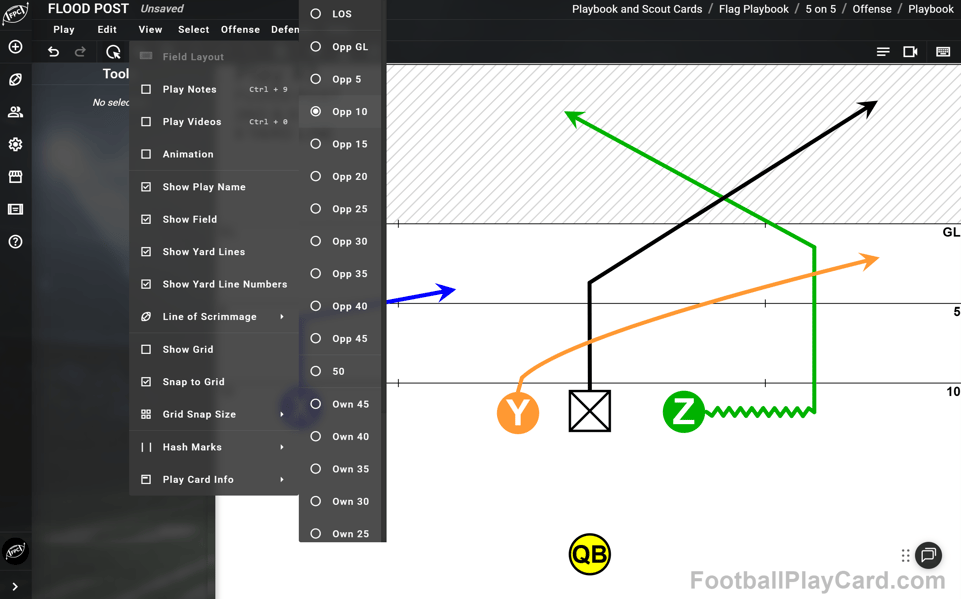
- Snap-to-45° Drawing – Automatically align routes to clean 45-degree angles for sharper, more professional diagrams.
- Curved Route Lines – Add smooth curves with adjustable control points for more realistic movement paths.
- Zigzag Line Style – Perfect for pre-snap motion, stutter releases, and specialty movement indicators.
Whether you’re installing mirrored passing concepts or tightening up your playbook visuals, these tools dramatically reduce drawing time while improving diagram consistency.
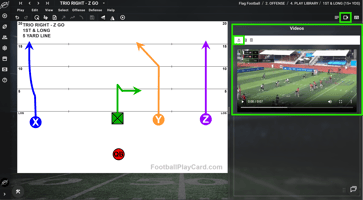
📱 Mobile & UX Improvements: Pinch-to-Zoom with Two-Finger Pan
Editing plays on mobile and tablet just became significantly easier.
You can now:
- Pinch to Zoom using two fingers to zoom in up to 4x magnification.
- Two-Finger Pan while zoomed in to move around the field naturally.
- Double-Tap to Reset the zoom level instantly back to default view.
Zooming centers between your fingers for intuitive control, and drawing mode automatically disables zoom so routes don’t accidentally trigger it.
This gives you precise control when editing on iPads, tablets, or mobile devices—especially helpful when refining routes or defensive alignments.
🖨️ Print & Output Enhancements
We’ve expanded your printing flexibility—especially for wristbands and call sheets.
New enhancements include:
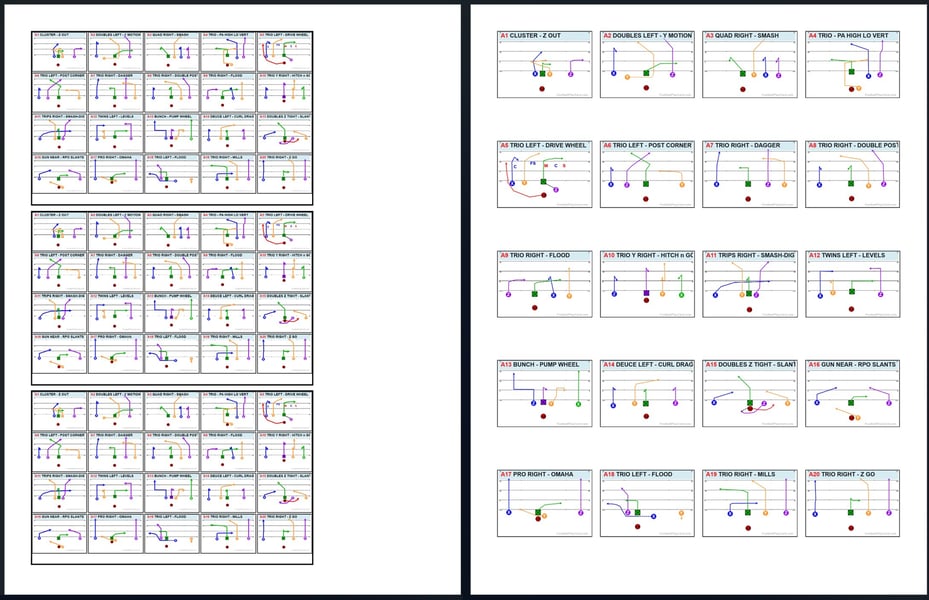
- Multiple Wristbands Per Page – Print multiple copies of the same wristband layout on a single sheet of paper.
- Improved Scaling & Layout Controls – Better alignment and formatting for playbooks, wristbands, and call sheets.
- Expanded Layout Flexibility – More control over how plays and notes appear when printing.
These updates make it easier to prepare practice materials quickly and efficiently—especially for no-huddle scout team periods where communication speed matters.
🎯 Scout Card Design Customizations
We’ve added new tools to give you greater control over how your scout cards look and function.
New customization options include:
- Line of Scrimmage Selector – Set an exact yard line for the play, automatically adjusting yard markers to absolute field positioning.
- Red-Zone Endzone Highlighting – When inside the 20-yard line, the endzone area is visually highlighted for clearer red-zone context.
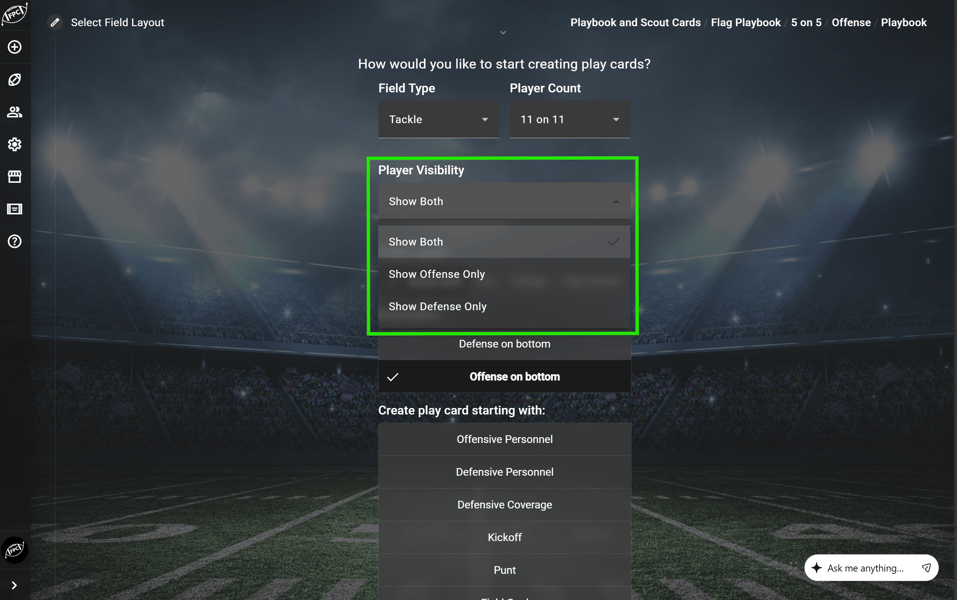
- Player Visibility Toggle – Hide offense, defense, or coverage elements to simplify diagrams and focus on what matters most.
These enhancements improve clarity during installs, game planning, and player teaching—especially when working in red-zone or situational contexts.
🚀 Try the New Features Today
All of these enhancements are now live inside your account.
Log in to Football Play Card and start using the new route editing tools, zoom controls, printing upgrades, and scout card customizations today.
👉 Log in and try the February updates now.
If you have questions about any of these features or want help using them, visit our Knowledge Base or reach out to our support team.
More updates coming soon.